> ## Documentation Index
> Fetch the complete documentation index at: https://docs.helicone.ai/llms.txt
> Use this file to discover all available pages before exploring further.
# Mem0 Embedchain Integration
> Integrate Helicone with Embedchain, an Open Source Framework for personalizing LLM responses. Monitor interactions across different LLMs in AI applications.
This integration method is maintained but no longer actively developed. For the best experience and latest features, use our new [AI Gateway](/gateway/overview) with unified API access to 100+ models.
## Introduction
Mem0 Embedchain is an Open Source Framework for personalizing LLM responses. It makes it easy to create and deploy personalized AI apps.
Integrating Helicone with Mem0 Embedchain allows you to monitor interactions across different LLMs in AI applications.
## Integration Steps
Log into [Helicone](https://www.helicone.ai) or create an account. Once you have an account, you
can generate an [API key](https://helicone.ai/developer).
Make sure to generate a [write only API key](helicone-headers/helicone-auth).
You can configure your base\_url and OpenAI API key in your codebase
```python main.py theme={null}
import os
from embedchain import App
# Modify the base path and add a Helicone URL
os.environ["OPENAI_API_BASE"] = "https://oai.helicone.ai/{YOUR_HELICONE_API_KEY}/v1"
# Add your OpenAI API Key
os.environ["OPENAI_API_KEY"] = "{YOUR_OPENAI_API_KEY}"
app = App()
# Add data to your app
app.add("https://en.wikipedia.org/wiki/Elon_Musk")
# Query your app
print(app.query("How many companies did Elon found? Which companies?"))
```
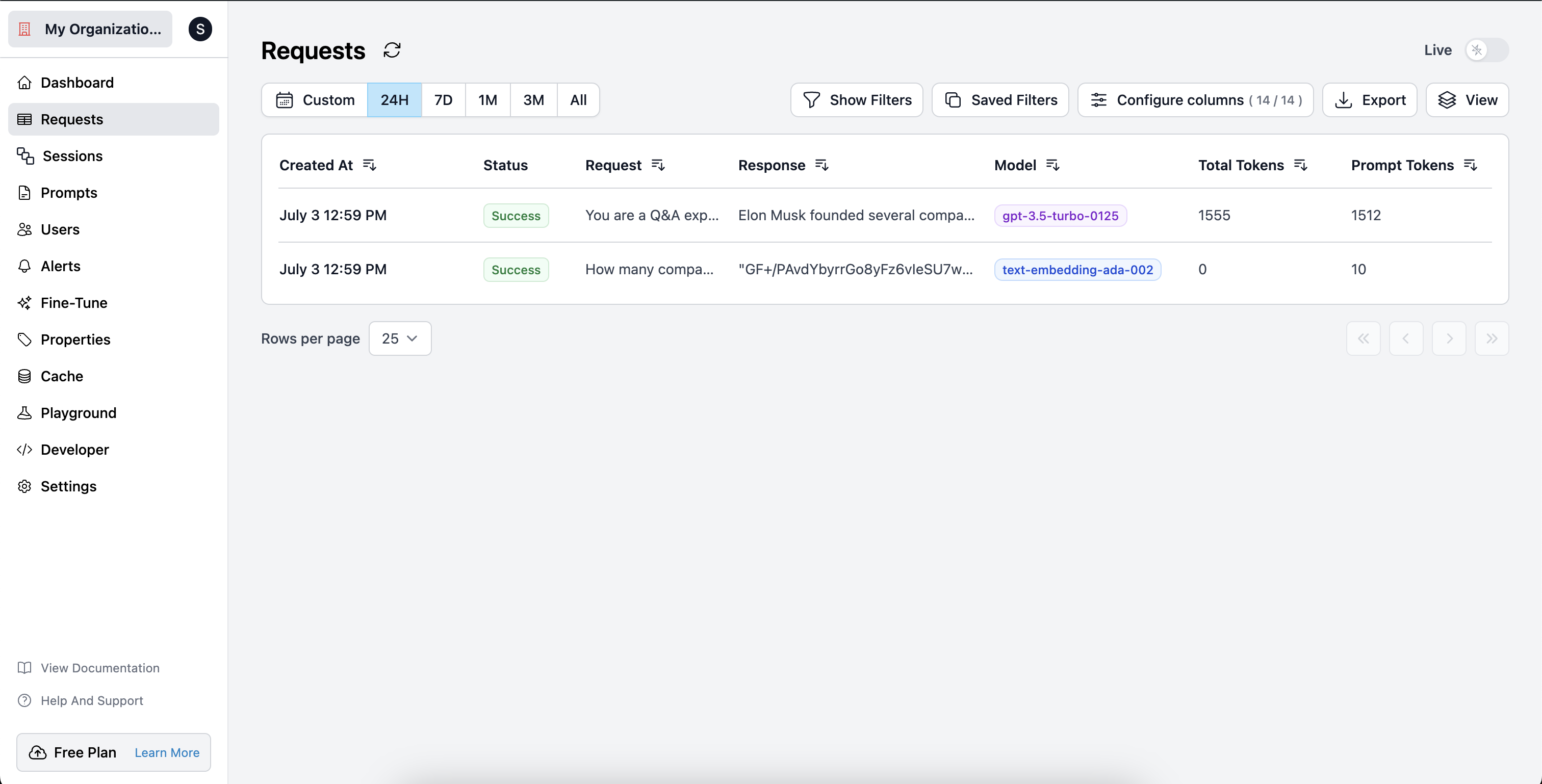 Check out the [Embedchain](https://github.com/embedchain/embedchain) GitHub repository for more information and examples.