> ## Documentation Index
> Fetch the complete documentation index at: https://docs.helicone.ai/llms.txt
> Use this file to discover all available pages before exploring further.
# Introduction
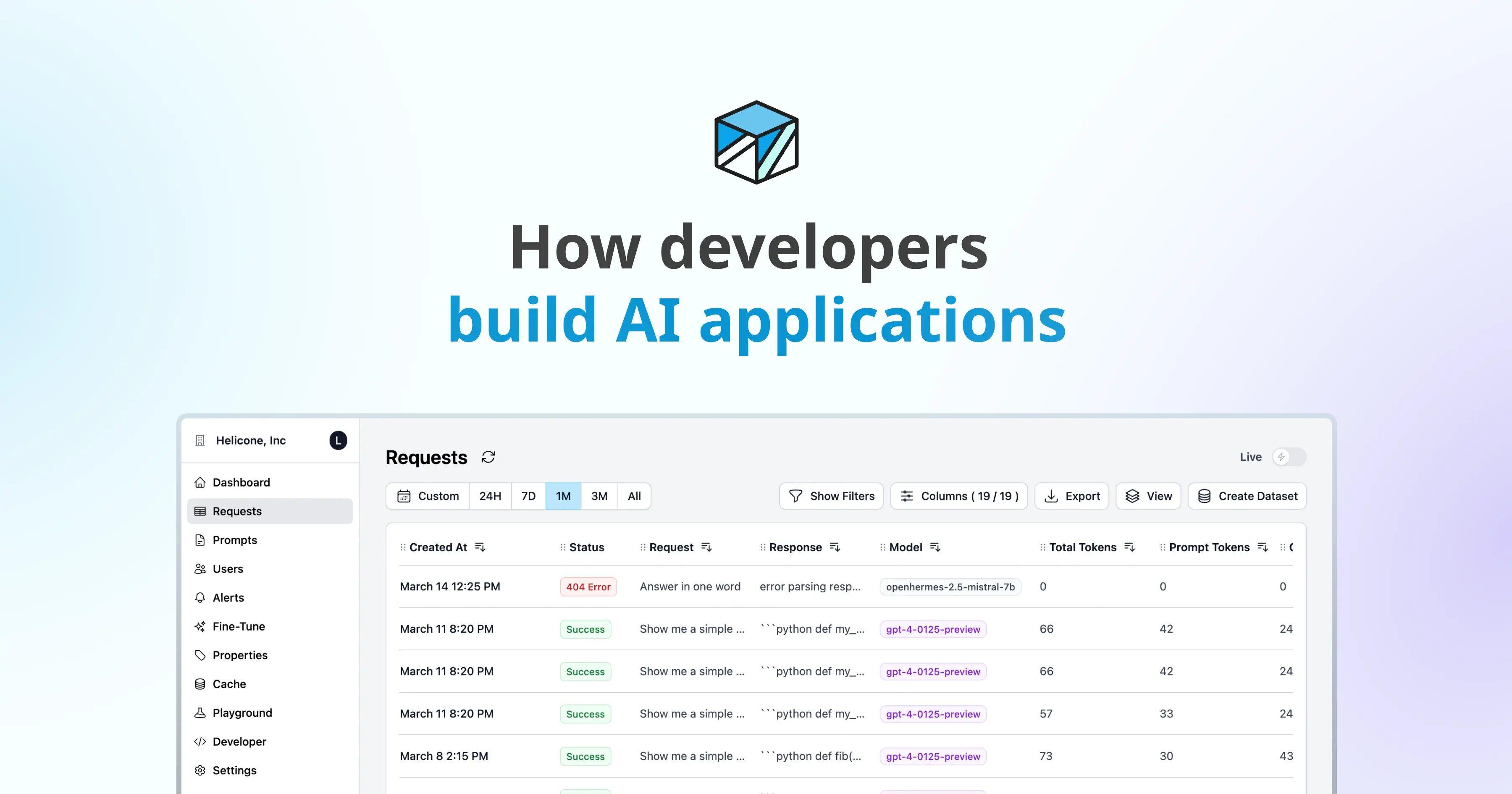
> How developers build AI applications. Explore our docs to learn how to easily integrate Helicone into your application and explore features that will accelerate your team's development.
 ## Who Are We?
We are a team of passionate developers who are committed to making best in class tooling for the AI community. We believe that the future of AI is in large language models (LLMs), and we are dedicated to making LLMs more accessible to developers and enterprises. Our goal is to simplify the use and management of LLMs, so that developers can focus on building the next generation of AI-driven applications.
### Getting Started
Quickly integrate Helicone into your application and get started.
### Integrations
The optimal method to integrate with Helicone is through our Gateway.
Python, Node, cURL, Langchain
Python, Node, cURL, Langchain
Python, Node, cURL, Langchain
### Features
Effortlessly monitor prompt versions and inputs
Label and segment your requests
Provide user feedback
Save cost and improve latency
Usage statistics
Easily rate-limit power users
Smartly retry requests
Fine-tune a model on your logs
Fine-tune a model on your logs
Remove request and responses
Visualize chained requests
Remove request and responses
Insights into your users
## Who Are We?
We are a team of passionate developers who are committed to making best in class tooling for the AI community. We believe that the future of AI is in large language models (LLMs), and we are dedicated to making LLMs more accessible to developers and enterprises. Our goal is to simplify the use and management of LLMs, so that developers can focus on building the next generation of AI-driven applications.
### Getting Started
Quickly integrate Helicone into your application and get started.
### Integrations
The optimal method to integrate with Helicone is through our Gateway.
Python, Node, cURL, Langchain
Python, Node, cURL, Langchain
Python, Node, cURL, Langchain
### Features
Effortlessly monitor prompt versions and inputs
Label and segment your requests
Provide user feedback
Save cost and improve latency
Usage statistics
Easily rate-limit power users
Smartly retry requests
Fine-tune a model on your logs
Fine-tune a model on your logs
Remove request and responses
Visualize chained requests
Remove request and responses
Insights into your users