> ## Documentation Index
> Fetch the complete documentation index at: https://docs.helicone.ai/llms.txt
> Use this file to discover all available pages before exploring further.
# How to Build a Multi-Model AI Assistant with Vercel AI Gateway and Helicone
> Build a customer support assistant that switches between AI models based on query complexity while tracking costs
# Build a Multi-Model AI Assistant with Cost Tracking
This guide shows you how to build a customer support assistant that intelligently routes queries to different AI models based on complexity, using Vercel AI Gateway for model access and Helicone for cost tracking and analytics.
## Prerequisites
* Vercel AI Gateway API key from your [Vercel dashboard](https://vercel.com/dashboard)
* Helicone API key from [Helicone](https://helicone.ai)
* Node.js project
## Setup
Install the required packages:
```bash theme={null}
npm install @ai-sdk/gateway ai
```
## Create the AI Client
Set up a client that routes through Helicone for monitoring:
```typescript theme={null}
import { createGateway } from '@ai-sdk/gateway';
import { generateText, tool } from 'ai';
import { z } from 'zod';
const gateway = createGateway({
apiKey: process.env.VERCEL_AI_GATEWAY_API_KEY,
baseURL: 'https://vercel.helicone.ai/v1/ai',
headers: {
'Helicone-Auth': `Bearer ${process.env.HELICONE_API_KEY}`,
}
});
```
## Classify Query Complexity
Use `gpt-4o-nano` with tool calling for precise classification:
```typescript theme={null}
import { tool } from 'ai';
import { z } from 'zod';
const classifyTool = tool({
description: 'Classify a customer support query by complexity',
parameters: z.object({
complexity: z.enum(['simple', 'complex', 'technical']).describe(
'simple: Basic questions about account, passwords, features. ' +
'complex: Refunds, complaints, escalations, urgent issues. ' +
'technical: API errors, integration issues, code problems.'
),
reasoning: z.string().describe('Brief explanation for the classification')
})
});
async function classifyQueryComplexity(query: string): Promise<'simple' | 'complex' | 'technical'> {
const result = await generateText({
model: gateway('openai/gpt-4o-nano'),
tools: {
classify: classifyTool
},
toolChoice: 'required',
prompt: `Classify this customer query: "${query}"`
});
// Get the classification from the tool call
const toolCall = result.toolCalls[0];
return toolCall.args.complexity;
}
```
## Route to Appropriate Model
Use different models based on query complexity to optimize costs:
```typescript theme={null}
async function handleCustomerQuery(query: string, customerId: string) {
const complexity = await classifyQueryComplexity(query);
// Track complexity in Helicone
const headers = {
'Helicone-User-Id': customerId,
'Helicone-Property-Complexity': complexity,
'Helicone-Property-Department': 'customer-support'
};
let model;
switch (complexity) {
case 'simple':
model = gateway('openai/gpt-4o-mini'); // Cheapest, handles basic queries
break;
case 'complex':
model = gateway('openai/gpt-4o'); // Better reasoning for complex issues
break;
case 'technical':
model = gateway('anthropic/claude-3-5-sonnet'); // Excellent for technical support
break;
}
const response = await generateText({
model,
messages: [
{
role: 'system',
content: 'You are a helpful customer support assistant. Be concise and professional.'
},
{
role: 'user',
content: query
}
],
headers,
temperature: 0.3, // Lower temperature for consistent support responses
maxTokens: 200
});
return {
answer: response.text,
model: complexity,
usage: response.usage
};
}
```
## Implement Response Caching
Cache all queries regardless of complexity for maximum cost savings:
```typescript theme={null}
async function handleQueryWithCache(query: string, customerId: string) {
const complexity = await classifyQueryComplexity(query);
// Enable caching for all complexity levels
const headers = {
'Helicone-User-Id': customerId,
'Helicone-Property-Complexity': complexity,
'Helicone-Cache-Enabled': 'true',
'Helicone-Cache-Bucket-Max-Size': '10',
'Helicone-Cache-Seed': 'support-v1'
};
// Select model based on complexity
let model;
switch (complexity) {
case 'simple':
model = gateway('openai/gpt-4o-mini');
break;
case 'complex':
model = gateway('openai/gpt-4o');
break;
case 'technical':
model = gateway('anthropic/claude-3-5-sonnet');
break;
}
return await generateText({
model,
messages: [
{ role: 'system', content: 'You are a helpful support agent.' },
{ role: 'user', content: query }
],
headers,
temperature: 0 // Zero temperature for consistent cache hits
});
}
```
## Complete Support System
Here's the full implementation:
```typescript theme={null}
import { createGateway } from '@ai-sdk/gateway';
import { generateText } from 'ai';
// Initialize AI Gateway with Helicone
const gateway = createGateway({
apiKey: process.env.VERCEL_AI_GATEWAY_API_KEY,
baseURL: 'https://vercel.helicone.ai/v1/ai',
headers: {
'Helicone-Auth': `Bearer ${process.env.HELICONE_API_KEY}`,
}
});
interface SupportTicket {
id: string;
customerId: string;
query: string;
priority: 'low' | 'medium' | 'high';
}
async function processSupportTicket(ticket: SupportTicket) {
const complexity = await classifyQueryComplexity(ticket.query);
// Model selection based on complexity and priority
let model;
if (ticket.priority === 'high' || complexity === 'technical') {
model = gateway('anthropic/claude-3-5-sonnet');
} else if (complexity === 'complex') {
model = gateway('openai/gpt-4o');
} else {
model = gateway('openai/gpt-4o-mini');
}
try {
const response = await generateText({
model,
messages: [
{
role: 'system',
content: `You are a customer support agent. Priority: ${ticket.priority}. Be helpful and professional.`
},
{
role: 'user',
content: ticket.query
}
],
headers: {
'Helicone-User-Id': ticket.customerId,
'Helicone-Property-TicketId': ticket.id,
'Helicone-Property-Priority': ticket.priority,
'Helicone-Property-Complexity': complexity,
// Enable caching for all queries
'Helicone-Cache-Enabled': 'true',
'Helicone-Cache-Bucket-Max-Size': '20',
'Helicone-Cache-Seed': 'support-v1'
},
temperature: 0, // Zero temperature for consistent cache hits
maxTokens: 250
});
return {
ticketId: ticket.id,
response: response.text,
model: model.modelId,
cost: response.usage // Track in Helicone dashboard
};
} catch (error) {
console.error('Support ticket processing failed:', error);
throw error;
}
}
// Example usage
const ticket: SupportTicket = {
id: 'TICKET-12345',
customerId: 'CUST-789',
query: 'How do I reset my password?',
priority: 'low'
};
const result = await processSupportTicket(ticket);
console.log(`Response sent to customer: ${result.response}`);
```
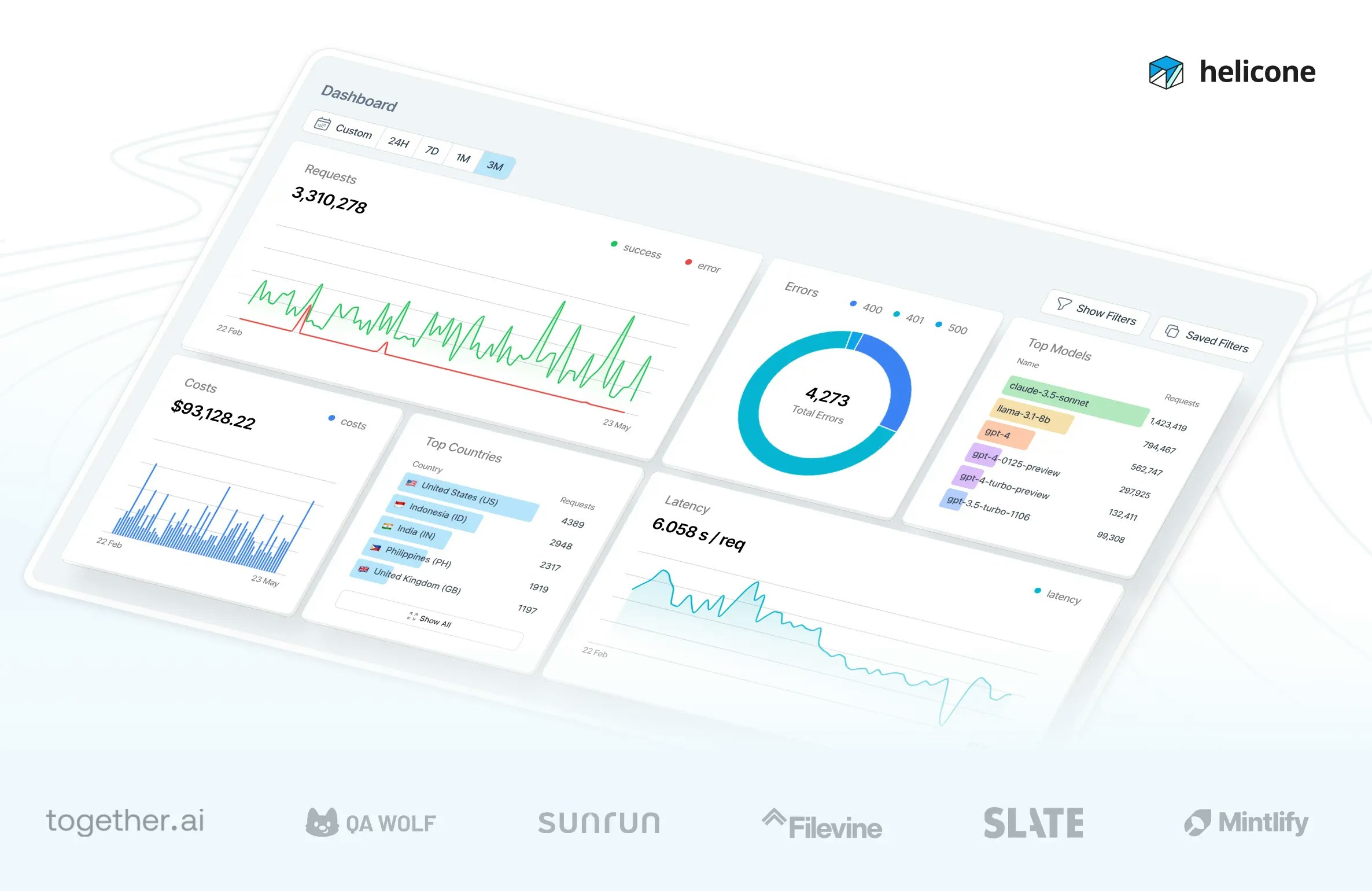
## Monitor Performance
View your assistant's performance in Helicone:
1. **Cost Analysis**: Compare costs across different models
2. **Response Times**: Monitor latency by model and complexity
3. **Cache Hit Rate**: Track savings from cached responses
4. **User Analytics**: See which customers need the most support
 ## Optimize Based on Data
Use Helicone's analytics to:
* Identify common queries for caching
* Adjust model selection thresholds
* Track cost per ticket complexity
* Monitor customer satisfaction by model
## Next Steps
Track additional metadata
Reduce costs with smart caching
Analyze per-customer usage
Set up cost and error alerts
## Optimize Based on Data
Use Helicone's analytics to:
* Identify common queries for caching
* Adjust model selection thresholds
* Track cost per ticket complexity
* Monitor customer satisfaction by model
## Next Steps
Track additional metadata
Reduce costs with smart caching
Analyze per-customer usage
Set up cost and error alerts