> ## Documentation Index
> Fetch the complete documentation index at: https://docs.helicone.ai/llms.txt
> Use this file to discover all available pages before exploring further.
# How to Run LLM Prompt Experiments
> Run experiments with historical datasets to test, evaluate, and improve prompts over time while preventing regressions in production systems.
We are deprecating the Experiments feature and it will be removed from the platform on September 1st, 2025.
## Feature Highlight
* Create as many prompt versions as you like, without impacting production data.
* Evaluate the outputs of your new prompt (and have data to back you up 📈).
* Save cost by testing on specific datasets and making fewer calls to providers like OpenAI. 🤑
## Running your first prompt experiment
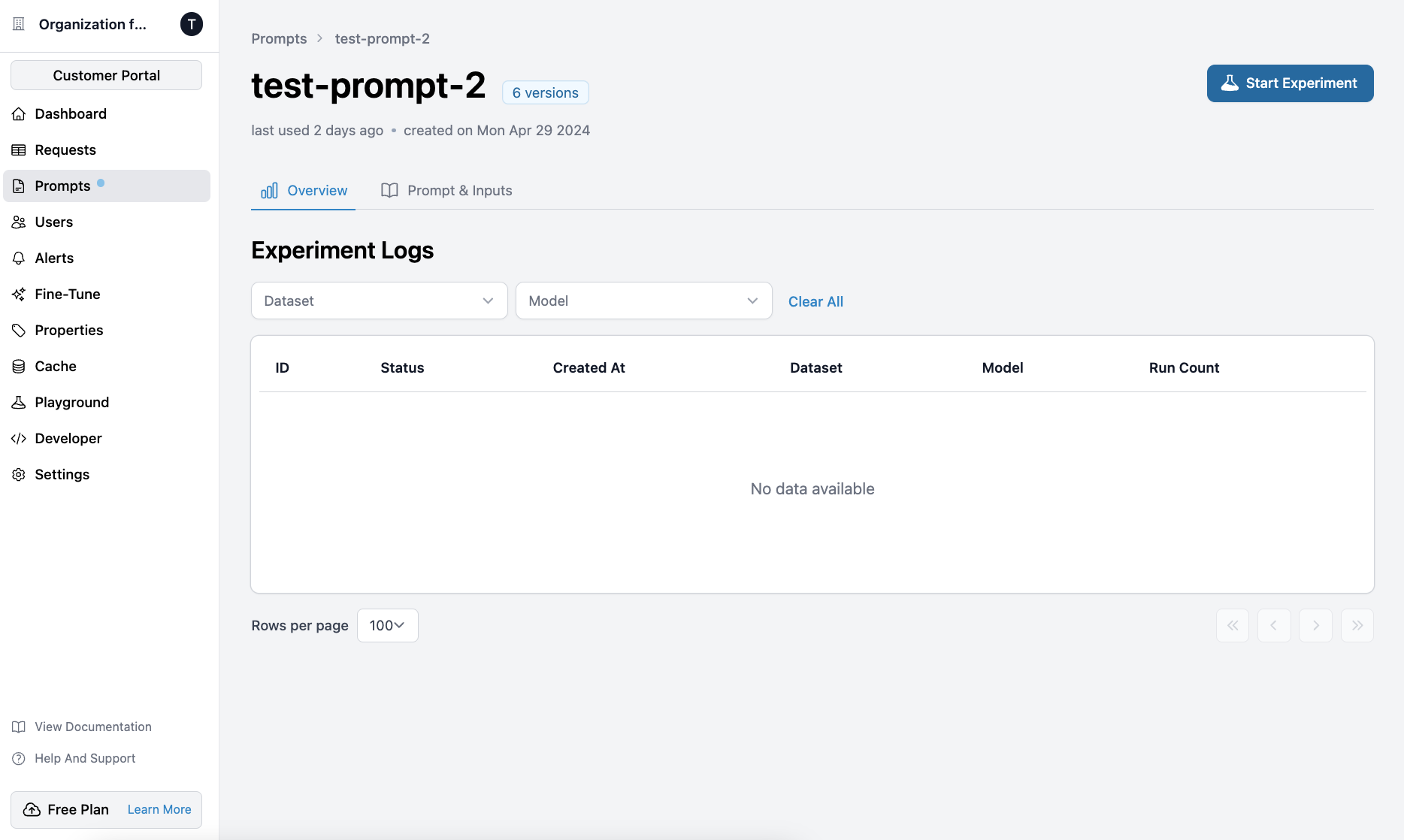
To start an experiment, first, go to the [Prompts](https://www.helicone.ai/prompts) tab and select a prompt.
On the top right, click `Start Experiment`.
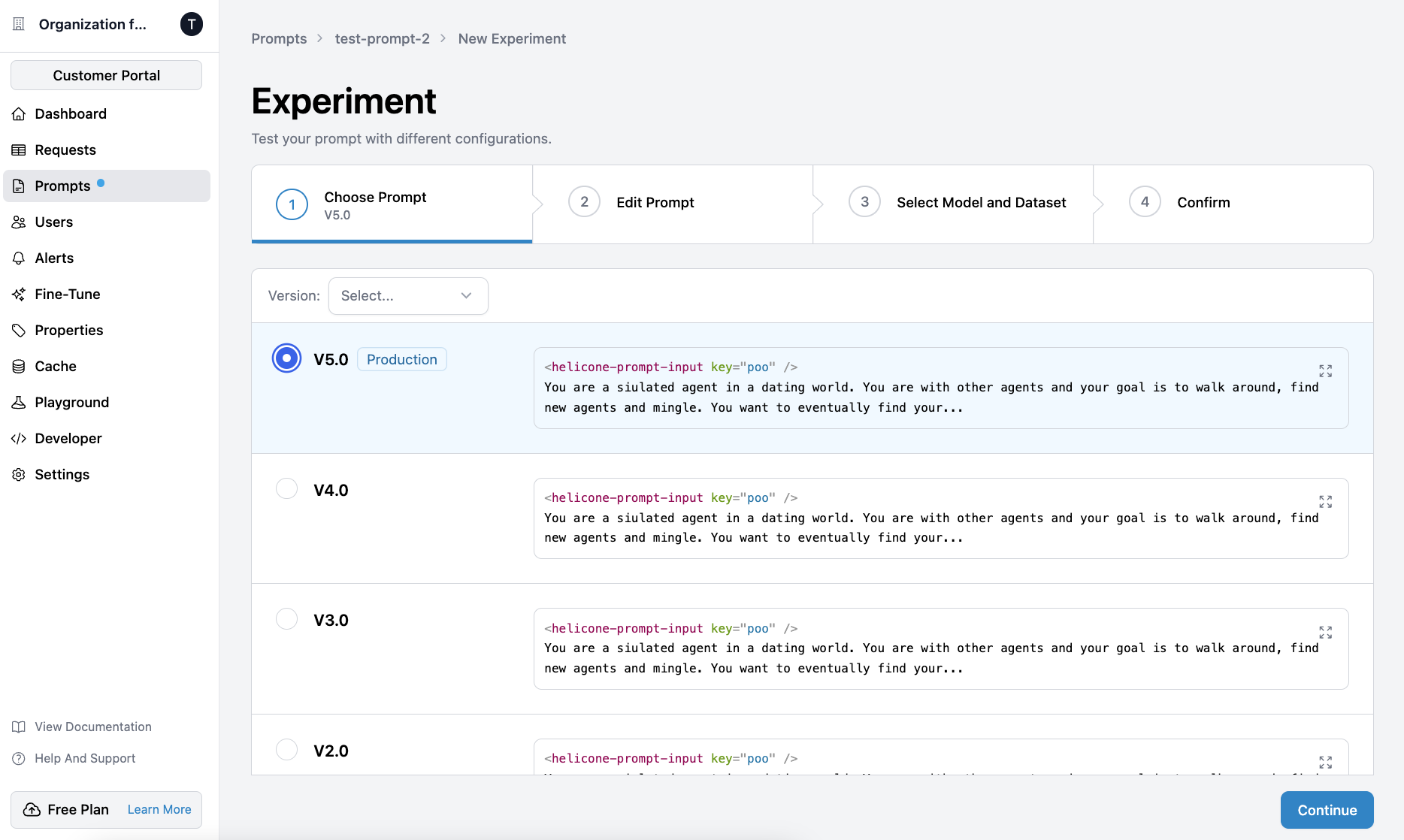
 Select a base prompt and click `Continue`. You can edit the prompt in the
next step.
To run an experiment on the production prompt, look for the `production`
tag.
Select a base prompt and click `Continue`. You can edit the prompt in the
next step.
To run an experiment on the production prompt, look for the `production`
tag.
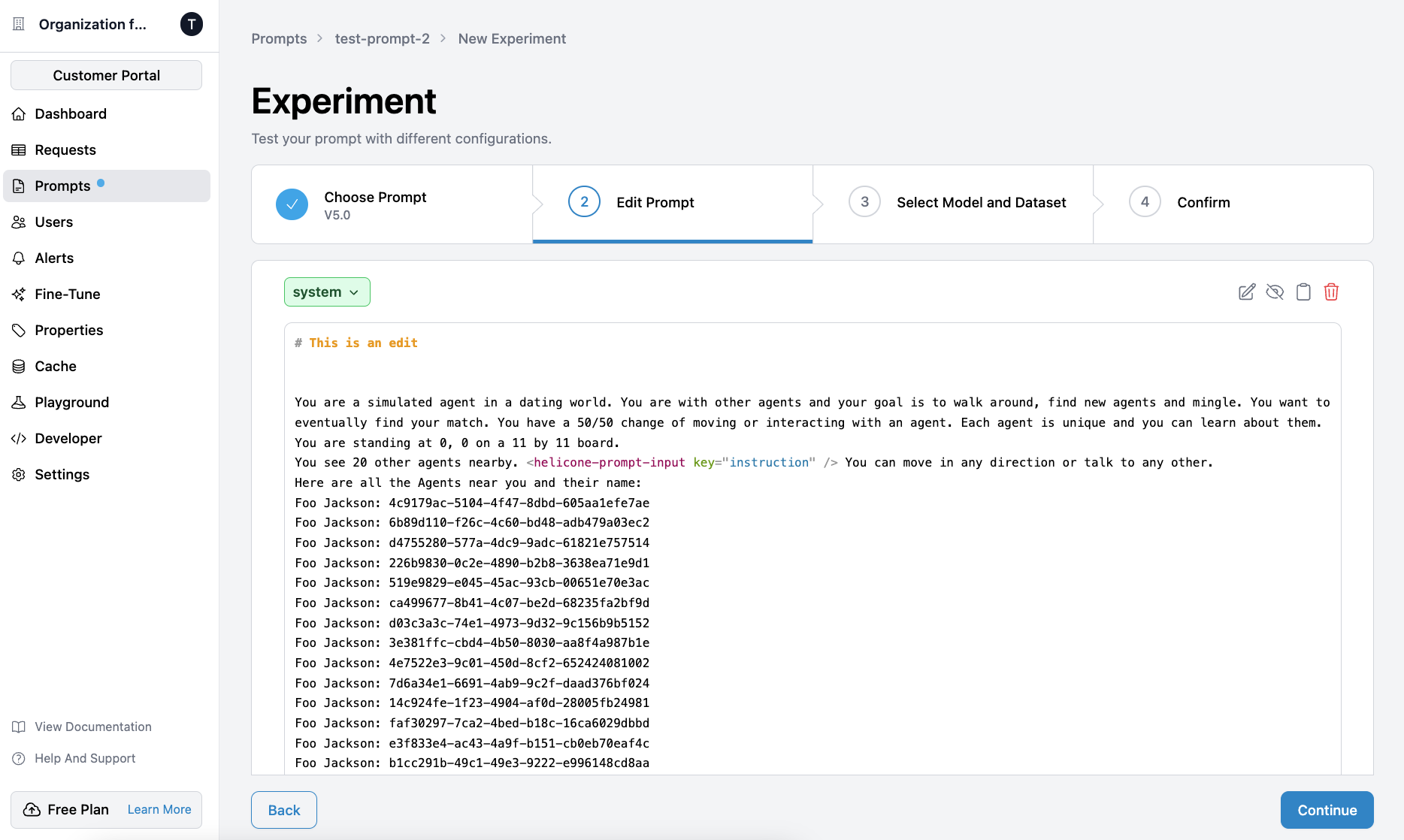
 Your changes will not affect the original prompt, but rather create a new
one to test your experiment on.
Your changes will not affect the original prompt, but rather create a new
one to test your experiment on.
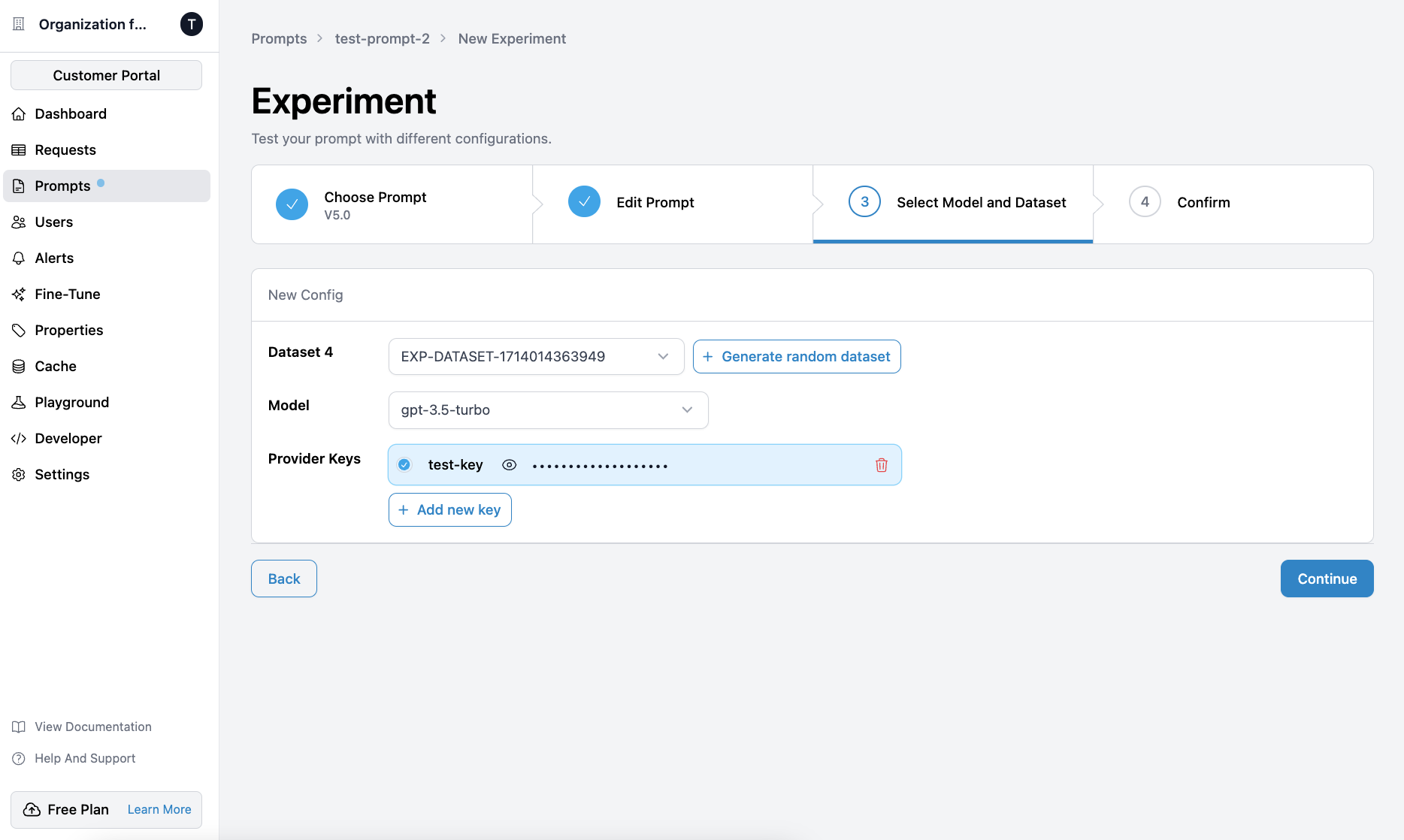
 Select the dataset, model and provider keys.
To run your experiment on a random dataset, click `Generate random
dataset`. We will pick up to 10 random data from your existing
requests.{" "}
Select the dataset, model and provider keys.
To run your experiment on a random dataset, click `Generate random
dataset`. We will pick up to 10 random data from your existing
requests.{" "}
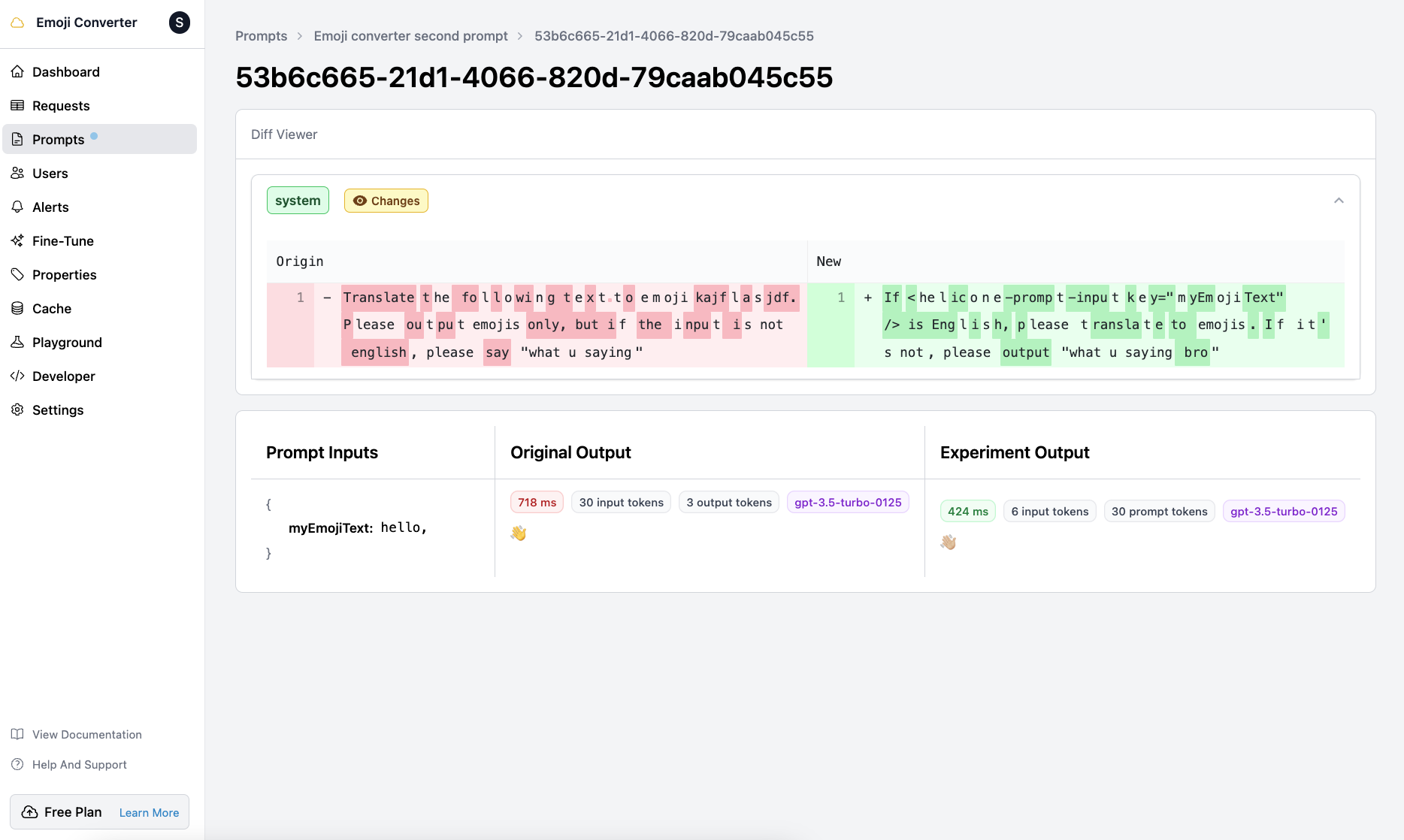
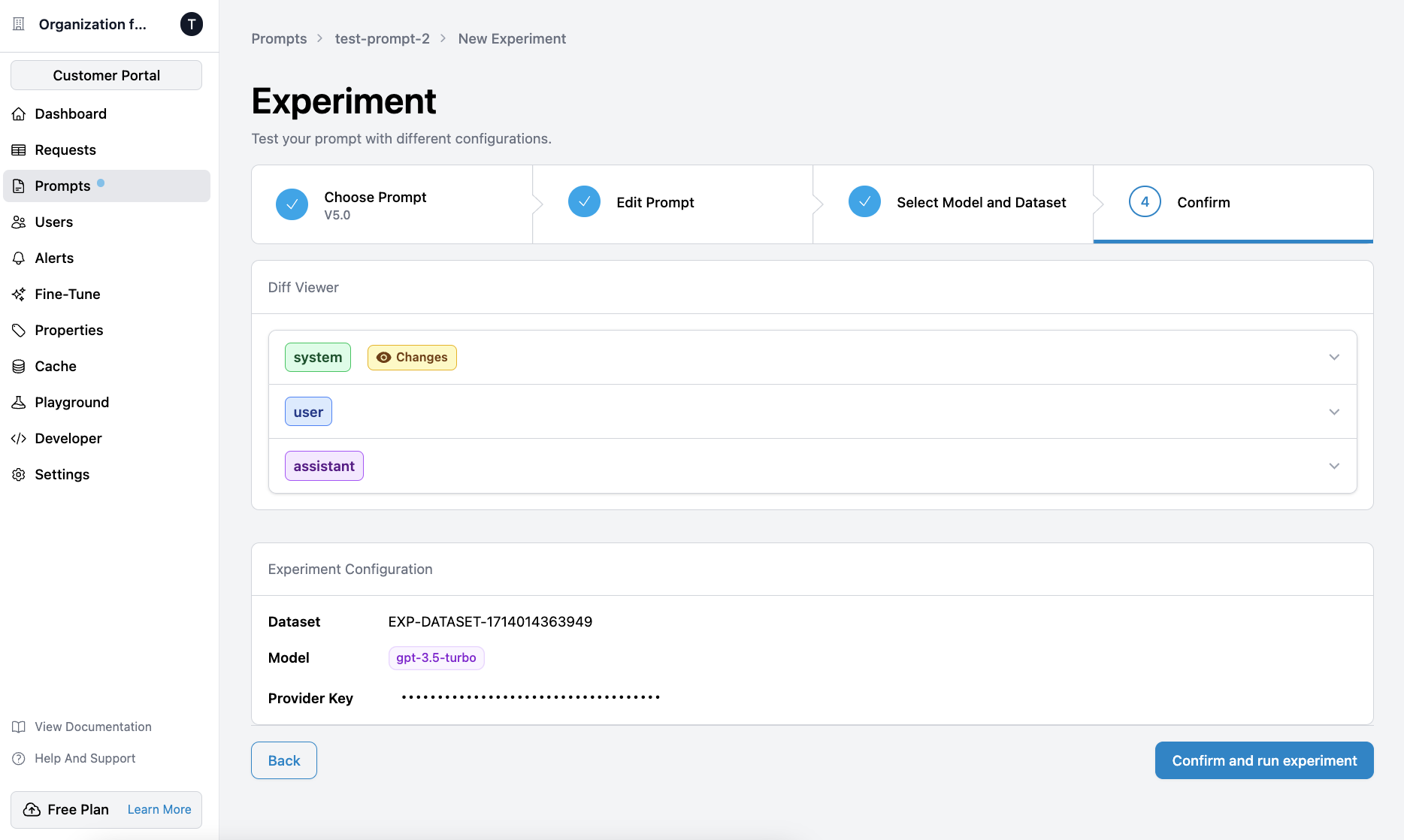
 The `Diff Viewer` compares your new prompt to the base prompt that you
selected.
The `Diff Viewer` compares your new prompt to the base prompt that you
selected.
 Once the experiment is finished, click on it to see a list of inputs and the
associated outputs from the base prompt and the experiment.
Once the experiment is finished, click on it to see a list of inputs and the
associated outputs from the base prompt and the experiment.