> ## Documentation Index
> Fetch the complete documentation index at: https://docs.helicone.ai/llms.txt
> Use this file to discover all available pages before exploring further.
# Environment Tracking
> Effortlessly track and manage your development, staging, and production environments with Helicone.
Many organizations operate across multiple environments, such as development, staging, and production. To differentiate these environments, you can establish a `Helicone-Property-Environment` property. In the example below, we assign the "development" property to the environment:
```python theme={null}
client.chat.completions.create(
# ...
extra_headers={
"Helicone-Property-Environment": "development",
}
)
```
If you are utilizing any other libraries or packages, please refer to our [Custom Properties](/features/advanced-usage/custom-properties) documentation for guidance.
### Viewing Environments
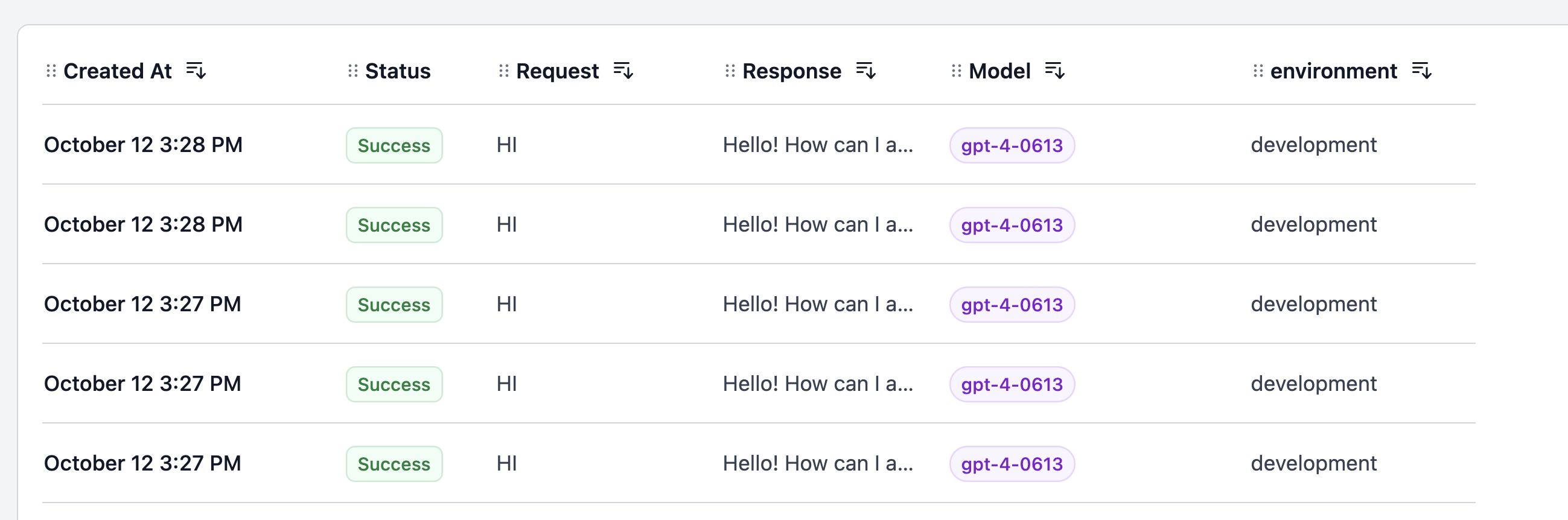
On the [request page](https://www.helicone.ai/requests), you can conveniently view all the environments that your organization has employed.
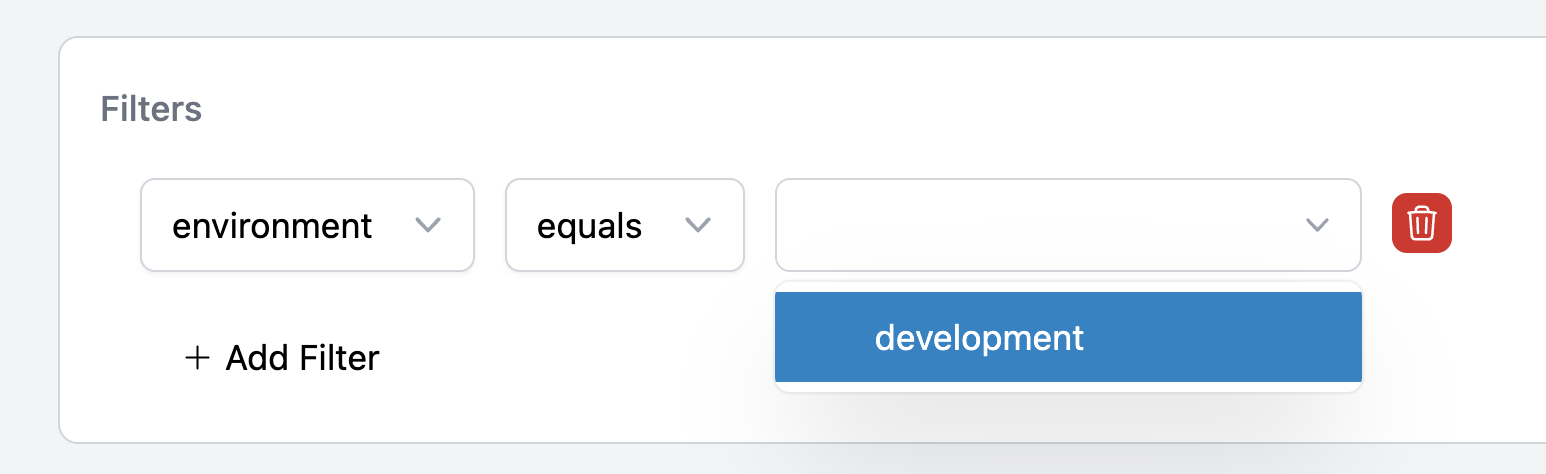
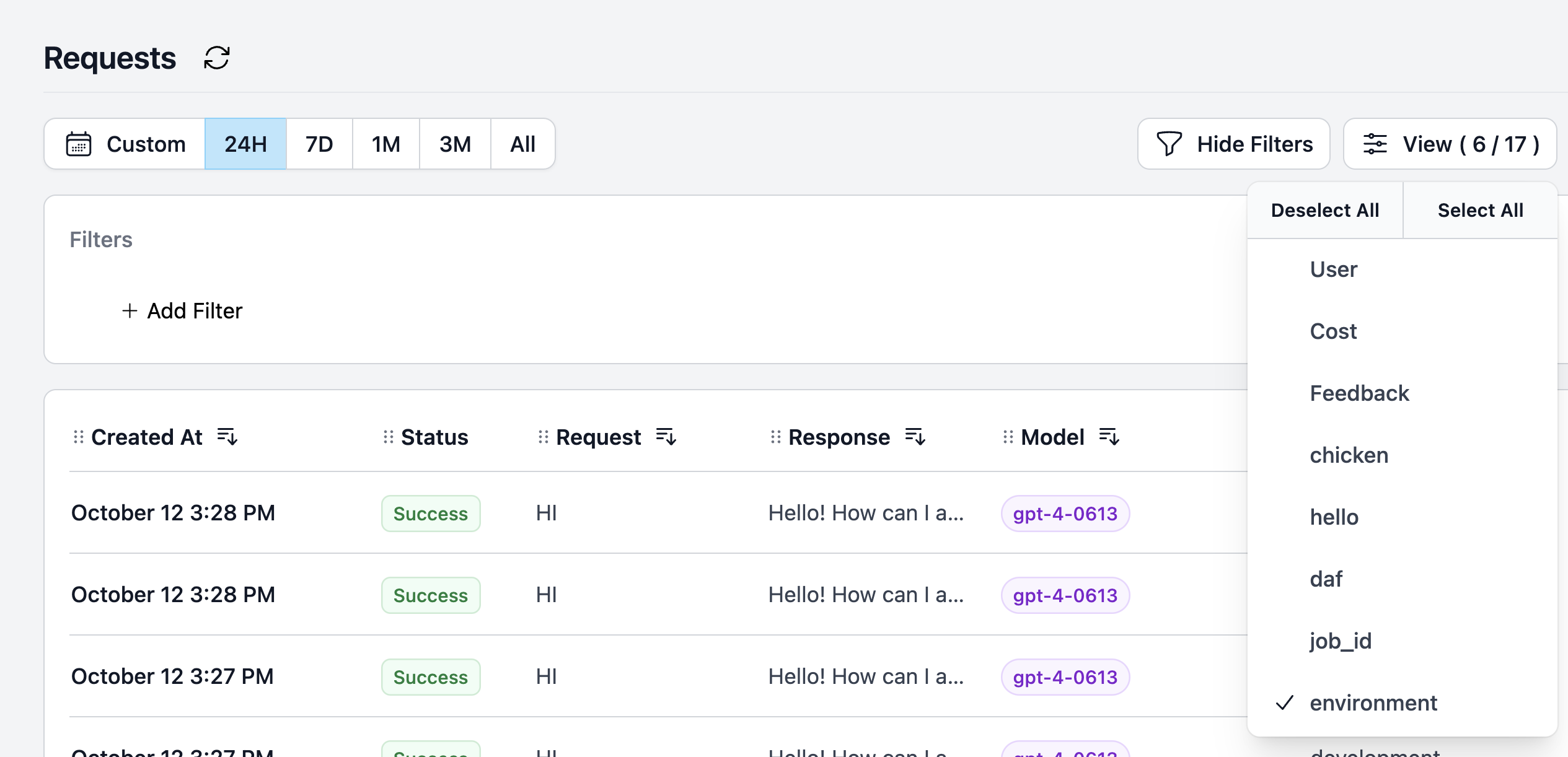 Additionally, you can filter by environment to view all the requests made within that specific environment.
 Efficiently add filters to your requests to view all the requests made in a particular environment.
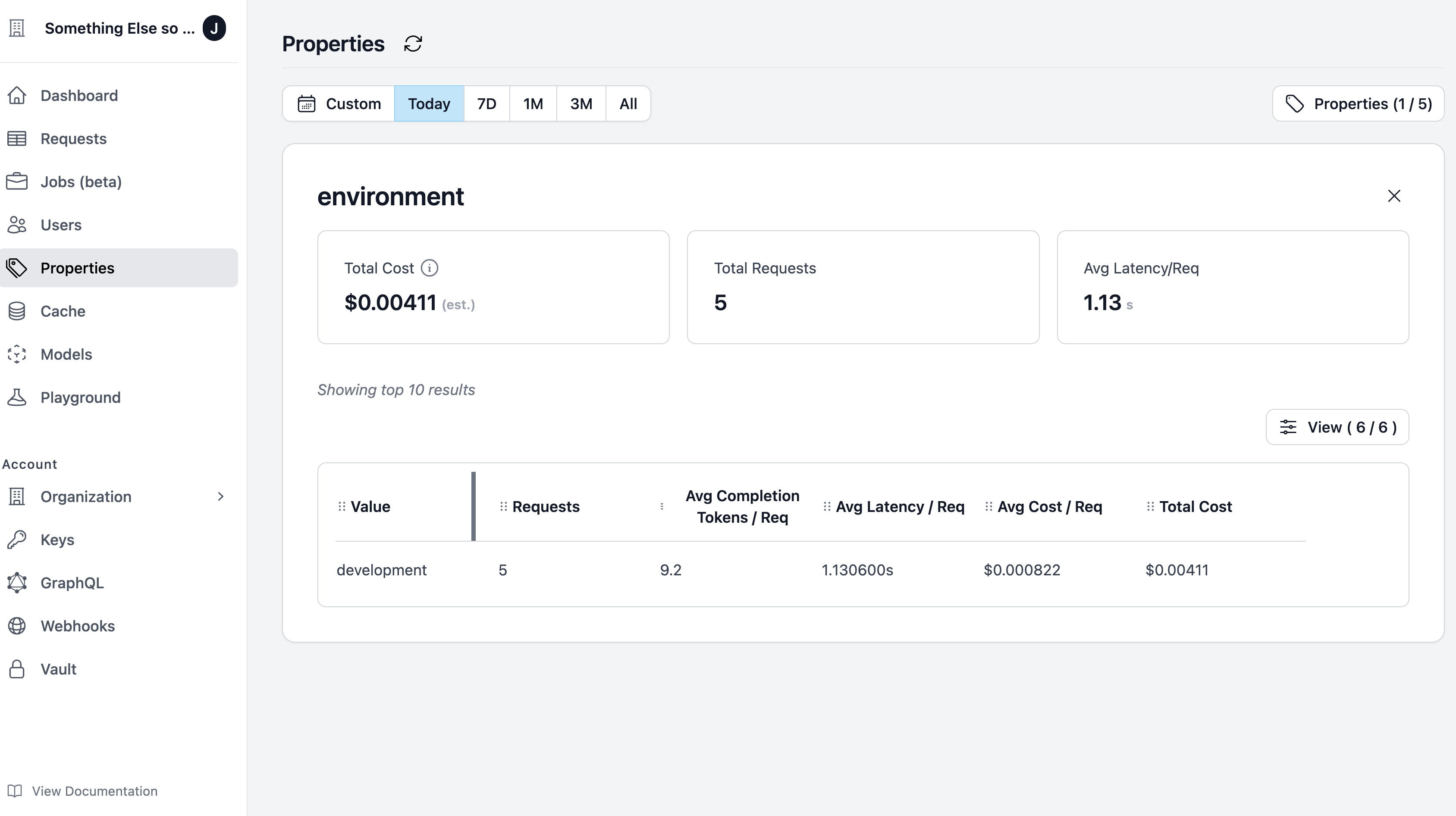
 Helicone also offers a dedicated page to view all the environments that your organization has utilized. You can also view the number of requests made in each environment.
Visit the [properties page](https://www.helicone.ai/properties) to view all the environments that your organization has employed.
Helicone also offers a dedicated page to view all the environments that your organization has utilized. You can also view the number of requests made in each environment.
Visit the [properties page](https://www.helicone.ai/properties) to view all the environments that your organization has employed.